Automatically Synchronize SMS App
Automatically Synchronize SMS and Notifications to PC or Phone
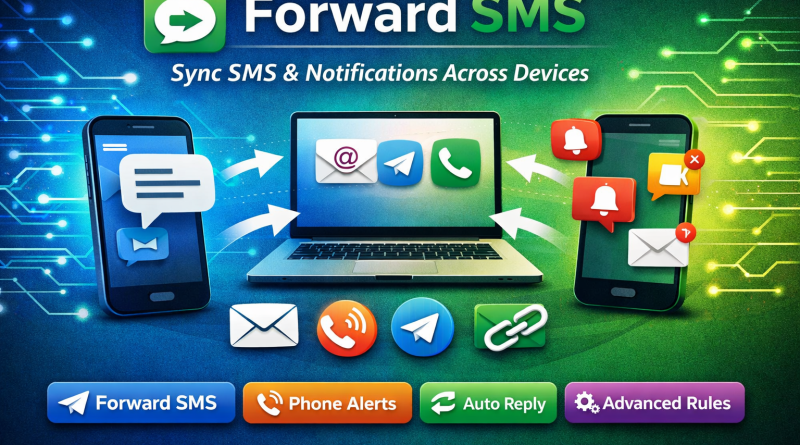
Forward SMS is a powerful app that helps you synchronize SMS messages and phone notifications across multiple devices such as PCs and smartphones. Once set up, the app runs silently in the background and instantly forwards important messages and alerts without interruption.
What Is Forward SMS?
Forward SMS is an advanced SMS forwarding and notification synchronization app that automatically transfers incoming messages and alerts from your phone to another phone number, email, Telegram account, or a custom URL.
It takes less than one minute to set up and does not require you to keep the app open.
Key Highlights
Automatically forwards SMS as soon as they are received
Works silently in the background
No need to keep the app running on screen
Supports SMS, notifications, and phone alerts
Advanced rules for customization and scheduling
Core Features
SMS Forwarding Options
- Forward SMS to another phone number as a text message
- Forward SMS to an email address
- Forward SMS to a Telegram contact
- Forward SMS to a custom URL
- Messages received while offline are forwarded automatically once the internet is restored
- Auto-reply to incoming text messages
Phone Alerts That Can Be Forwarded
Missed calls
Incoming calls
Outgoing calls
Low battery alerts
Phone shutdown notifications
Phone turned on alerts
Advanced Rule System
With Advanced Rules, you can:
Add multiple receivers
Customize message templates
Schedule forwarding times
Create different rules for different contacts or message types
Who Should Use the Forward SMS App?
This app is ideal for users who:
- Use multiple phones but want to carry only one
- Have workplace restrictions and must carry a specific phone
- Travel internationally and need access to SMS remotely
- Want to back up SMS messages to another phone or laptop
How to Use Forward SMS
- Open the Forward SMS app
- Grant the required permissions
- Create a basic or advanced rule
- Enter your forwarding destination details
That’s it—your messages will now be forwarded automatically.
Permissions Required and Their Purpose
READ_SMS – Allows the app to read SMS content
RECEIVE_SMS – Enables detection of incoming SMS
RECEIVE_MMS – Allows receiving MMS messages
SEND_SMS – Required to forward SMS messages
READ_CONTACTS – Helps identify the sender using contact names
INTERNET – Enables secure transfer of SMS to email, Telegram, or URL
CALL_LOG – Allows access to call details for call alert forwarding
Final Thoughts
Forward SMS is a reliable solution for anyone who needs real-time access to messages and phone alerts across devices. With powerful automation, advanced rules, and silent background operation, it helps you stay connected without distraction.